How to transcribe audio offline on iPhone
A recent iPhone can run a speech model by itself. Your audio doesn't have to go anywhere to become text.
What you need
- An iPhone with iOS 17 or later.
- A transcription app that runs on the device. This guide uses Parlo Notes.
- One connection for the first download. The speech model can be around 630 MB on recent iPhones, so use Wi-Fi.
How to do it
- Install Parlo Notes and open it on Wi-Fi so the speech model can download.
- In Settings, leave Spoken Language on Detect Automatically or pick your language. Picking it improves accuracy and speed.
- Turn on Airplane Mode if you want to see for yourself that nothing needs the network.
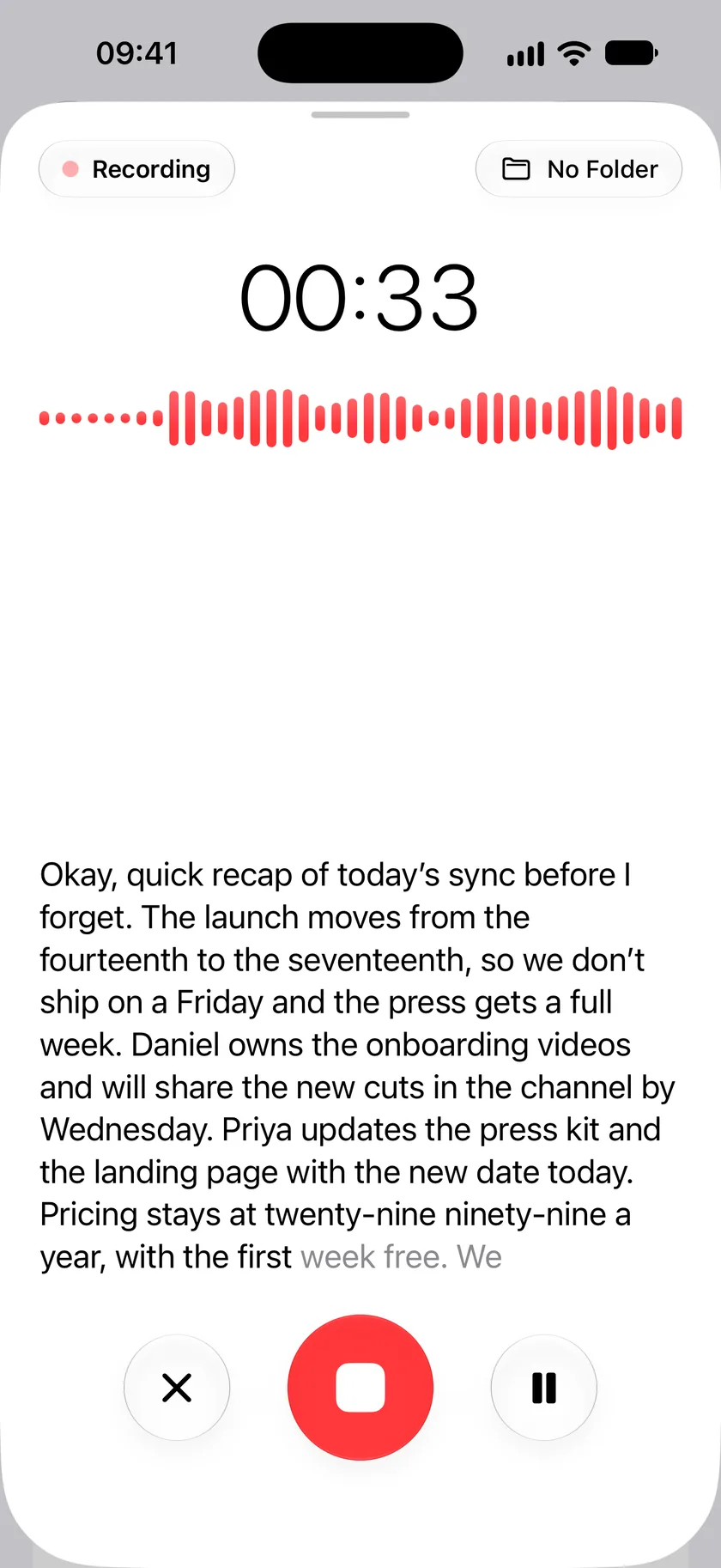
- Tap the record button and talk. On iOS 26 your words appear on screen while you record.
- Tap stop. Parlo Notes writes the full transcript on the phone.
Already have a recording?
Use Import Audio in your library to bring in audio or video files. To use something from Voice Memos, save it to Files first, then import it from there.
What works without a connection
The optional Parlo model is a separate download of 1 GB or 2.3 GB on iPhone, depending on the device. Only the first downloads, optional iCloud sync and sharing use the network.
- Recording and transcription, once the speech model is on the phone.
- Speaker identification, once its model is on the phone.
- Search across your recordings.
- Summaries and questions, using Apple Intelligence or the optional Parlo model.
How to get a better transcript
- Keep the phone close to whoever is speaking and away from fans or traffic.
- Choose the spoken language instead of relying on detection when you know it.
- Remember that the phone matters. Some older iPhones can only run a smaller model, which makes more mistakes. The same recording comes out better on a Mac.
Common questions
Is it really offline?
After the models are downloaded, yes. You can check it yourself by recording and transcribing in Airplane Mode.
Which languages can it transcribe?
Parlo Notes transcribes 29 languages and can detect the language automatically.
Is there a limit for long recordings?
Speakers are identified on recordings of up to 2 hours. Longer ones are transcribed without speaker labels.