How to record and transcribe lectures on iPhone
Listen in class, and leave the note-taking to your phone. Then search the whole semester when it's time to study.
Before class
- Ask whether you can record. Many schools and teachers have rules about it.
- Download the speech model on Wi-Fi first, since it can be around 630 MB on recent iPhones.
- Create a folder for each subject.
- Charge your phone, because a long recording and its transcript take some battery.
During class
- Put your phone as close to the teacher as you can, with the microphone unobstructed.
- Tap record, or start from a widget, the Lock Screen or Control Center.
- Stay on the subject, not the screen. On iOS 26 you can glance at the live text if you miss a word.
- Tap stop when class ends, and let the transcript finish.
When it's time to study
- Read the summary to see the main points of the class.
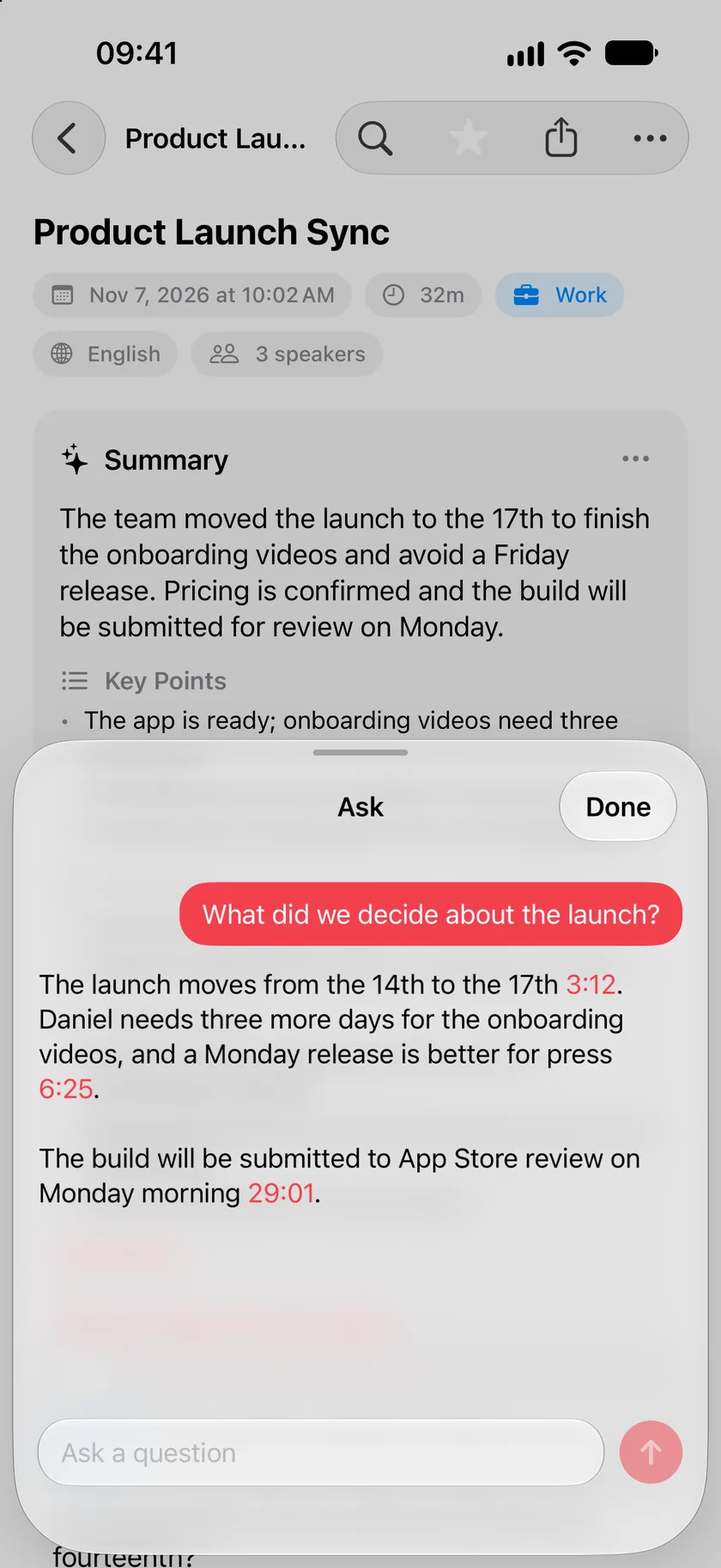
- Ask a question like "what did she say about the exam?" and tap the time to hear that moment.
- Search by meaning across every class, even if you can't recall the exact words.
- Fix a repeated mistake in a term with find and replace.
- Export to PDF or Markdown to use with your other notes.
Good to know
- A class in a big room is harder to transcribe than a meeting. Sitting closer helps more than anything else.
- Speakers are identified on recordings of up to 2 hours. Longer ones are transcribed without speaker labels.
- Live text needs iOS 26. On earlier versions you get the full transcript when you stop.
Common questions
Will it work in a classroom with no signal?
Yes, once the models are on your phone. Recording and transcribing don't need a connection.
Does it work for classes in other languages?
Parlo Notes transcribes 29 languages. You can choose the language of the class in Settings under Spoken Language.